
01 Road focused
Stage 1 calibration
A measured calibration route for a standard vehicle with sound maintenance and clear driving goals.
Explore routeData-led ECU calibration
Select your exact vehicle from the live catalog. See its technical baseline before deciding on an available calibration route.
Find my vehicleLive vehicle catalogue · original power and torque data
03 Vehicle catalog
The calculator loads the vehicle catalog in sequence, then uses the selected vehicle’s real power, torque and available tuning data.
Select a complete vehicle profile to load its technical data.
Catalog power unavailable
Catalog torque unavailable
Vehicle-specific tuning availability is loaded after the engine selection.
02 Calibration routes
Start with the vehicle, not a generic outcome. Each route sets out what is assessed before a calibration decision is made.
A measured calibration route for a standard vehicle with sound maintenance and clear driving goals.
Explore routeA technical review for supporting hardware, thermal limits and the vehicle’s complete configuration.
Explore routeTransmission strategy reviewed alongside engine torque delivery for a more coherent driveline response.
Explore routeThrottle behaviour, torque request and response mapping shaped around how the vehicle is actually used.
Explore routeA structured read of relevant fault data before a calibration path is proposed or a change is made.
Explore routeA focused starting point for controlled-use vehicles with a defined mechanical setup and operating target.
Explore route04 How it works
Four steps. One technical context. No generic starting point.
Start with the exact make, model, generation and engine from the live vehicle catalog.
See the vehicle’s catalog power, torque and available technical context before choosing a route.
Compare only the calibration stages published for the selected engine configuration.
Take the selected profile into a technical consultation with the vehicle context already clear.
05 Why choose us
The service starts with the vehicle’s condition and configuration—not a generic promise, a copied map or a disconnected form.
Online technical service
Start from the live catalog, then carry the exact configuration into a remote technical conversation without beginning from a blank form.
Diagnostics first
Relevant baseline and fault context belong at the start of the process, so the next step is based on the vehicle in front of you.
Controlled handoff
Vehicle details, selected route and technical questions stay connected in a structured request flow—clear for both sides.
06 Workshop feedback
Notes from workshops that prefer a technical conversation with the vehicle details already in view.
“The vehicle context was clear from the first message. We could discuss the route instead of spending time rebuilding the basics.”
“Diagnostics came before any recommendation. That made the next step straightforward for us and the vehicle owner.”
“No vague back-and-forth. The technical handoff carried the exact vehicle setup and the question we needed answered.”
“The online route felt organised from vehicle selection through to the final technical conversation.”
“We had the important baseline details early, which kept the customer conversation focused.”
“Clear answers, clear vehicle data and a process that did not add another layer of admin.”
WORKSHOP FIRST — feedback is anchored to the vehicle context, not a generic result.
07 Workshop gallery
From dyno environment to vehicle data and ECU bench detail—the calibration route has a physical context.
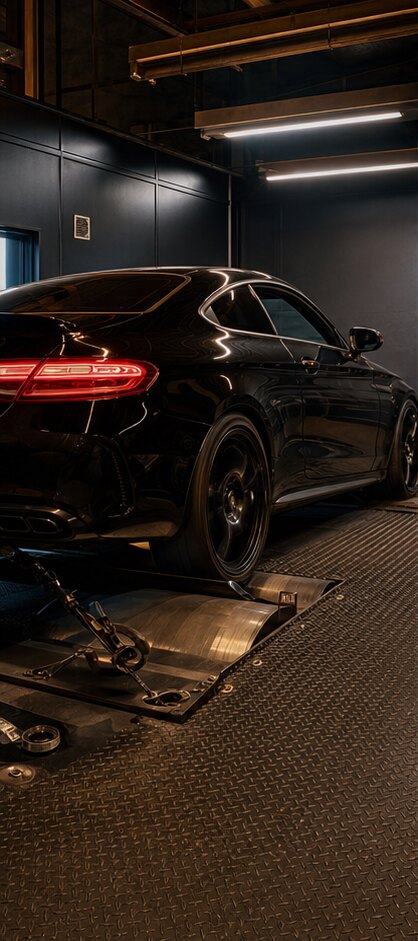
Vehicle, load and baseline in one controlled scene.
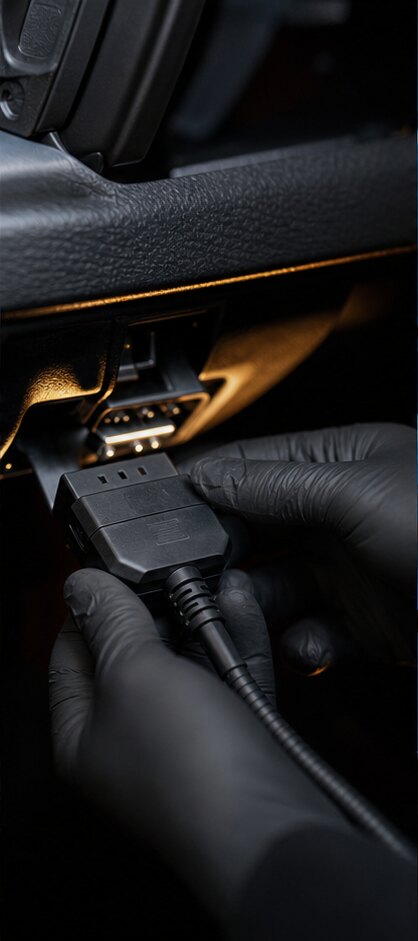
A clear starting point before a technical route is discussed.
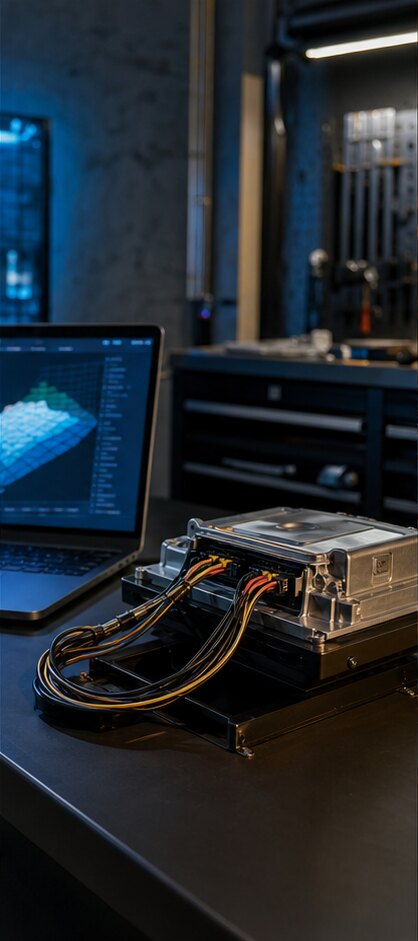
Technical hardware kept in the same conversation.
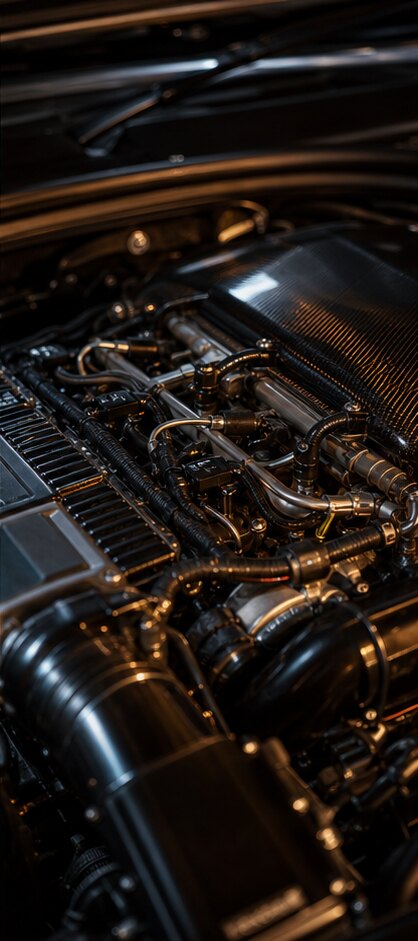
Configuration matters as much as the requested outcome.

A measured curve is easier to discuss than a generic claim.
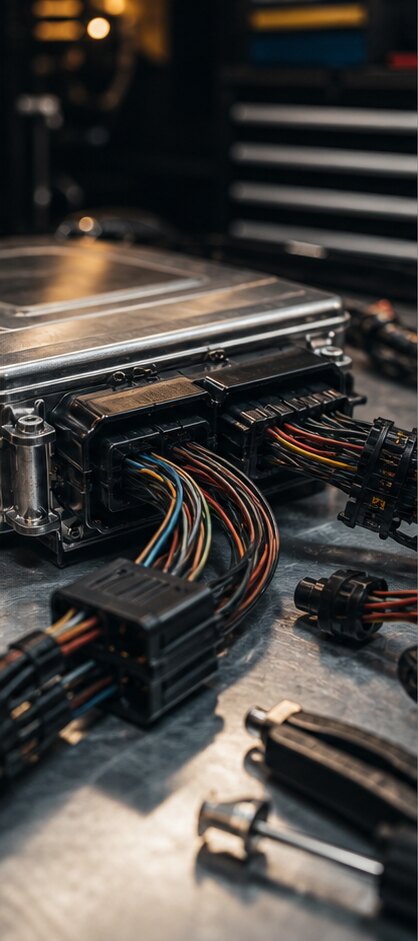
Connectors and hardware receive the same careful attention.

Performance context includes the vehicle around the engine.
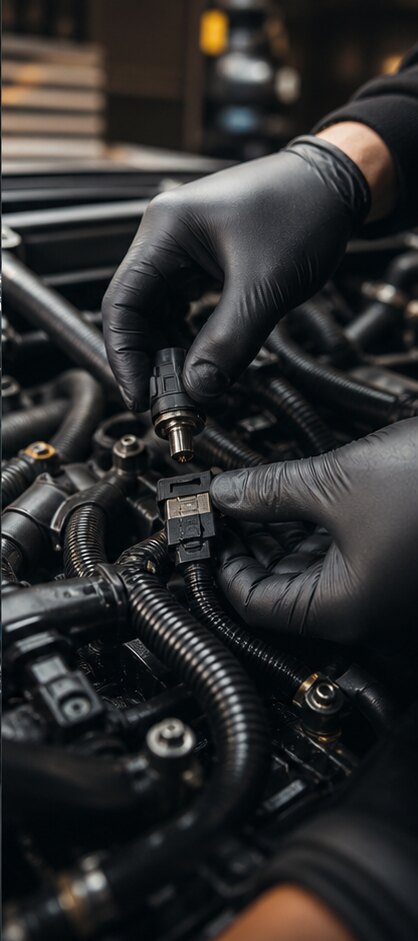
The smallest connection can shape the next technical decision.
08 Latest insights
Technical notes for workshops and owners who want more context before choosing a calibration route.
A useful calibration discussion starts with vehicle condition, baseline data and intended use—not a generic power number.
Read insight ↗ Fault context and baseline behaviour help turn a remote request into a technical conversation with a clear next step.
Read insight ↗ Engine torque delivery and transmission strategy are connected. Reviewing them together can make the driveline story more coherent.
Read insight ↗09 Your questions
Useful starting points for a vehicle, a calibration route or an online technical request.
ECU remapping adjusts selected software parameters in the engine control unit to support a defined power, torque or driveability route. The correct starting point is always the exact vehicle, its baseline data and intended use—not a generic result.
A professional route begins with vehicle condition, relevant diagnostic context and configuration. Calibration decisions should respect the vehicle’s known mechanical state and be discussed against the intended use before work starts.
A standard Stage 1 route can often be discussed and completed within a short workshop appointment. More advanced hardware-dependent work, diagnostics or vehicle disassembly can take longer. The exact timeline is confirmed once the vehicle context is clear.
The original file should be read and retained as part of a controlled workflow. Restoration availability depends on the vehicle, access method and the work agreed for that specific request.
Start with diagnostic context and the vehicle’s actual fault behaviour. Emissions-control systems should remain compliant with applicable road-use requirements, so the next step is a proper diagnosis and an appropriate repair or maintenance route.
Manufacturer warranty terms can be affected by modifications, particularly if they are detected during a dealer assessment. If the vehicle is still under warranty, discuss the situation before choosing a route.
Gains depend on the exact engine, hardware, fuel, vehicle condition and available calibration route. Use the vehicle catalog to view published baseline data and discuss the selected configuration rather than relying on a universal percentage.
A workshop reads the ECU using its professional tool, shares the original file and relevant vehicle context, then receives the agreed technical response through a controlled handoff. Tool compatibility and timing depend on the selected vehicle and request.
The make, model, generation and engine define the useful technical baseline. Starting from the live catalog keeps the later diagnostic conversation, calibration route and next step connected to the vehicle in front of you.